How it works
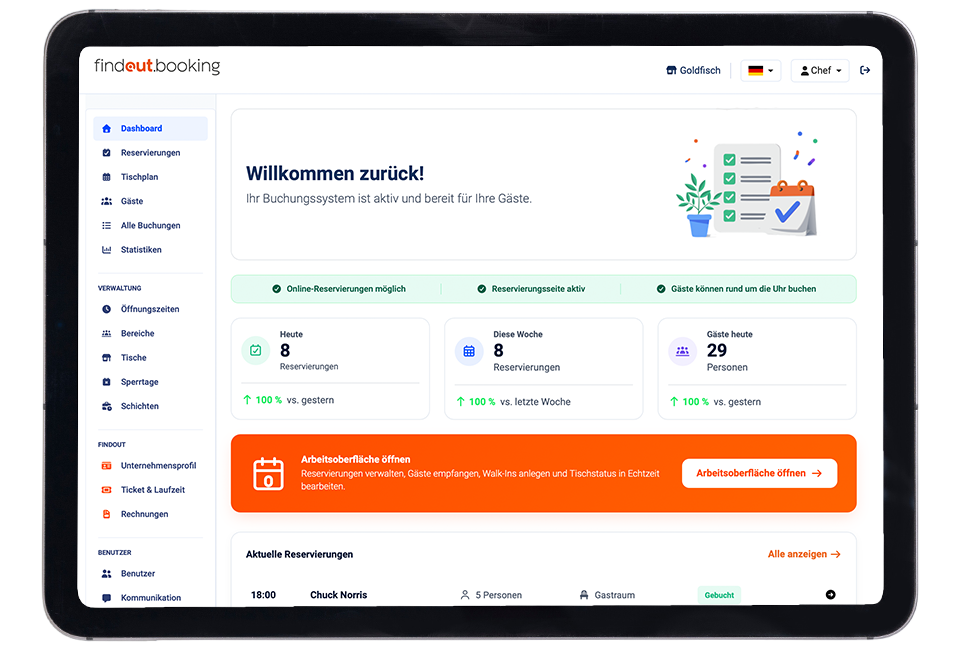
- Register your restaurant with findout.booking. You'll find your customer number in your company profile.
- Request an appointment by email and include your customer number. We'll get back to you with an available time for a phone call.
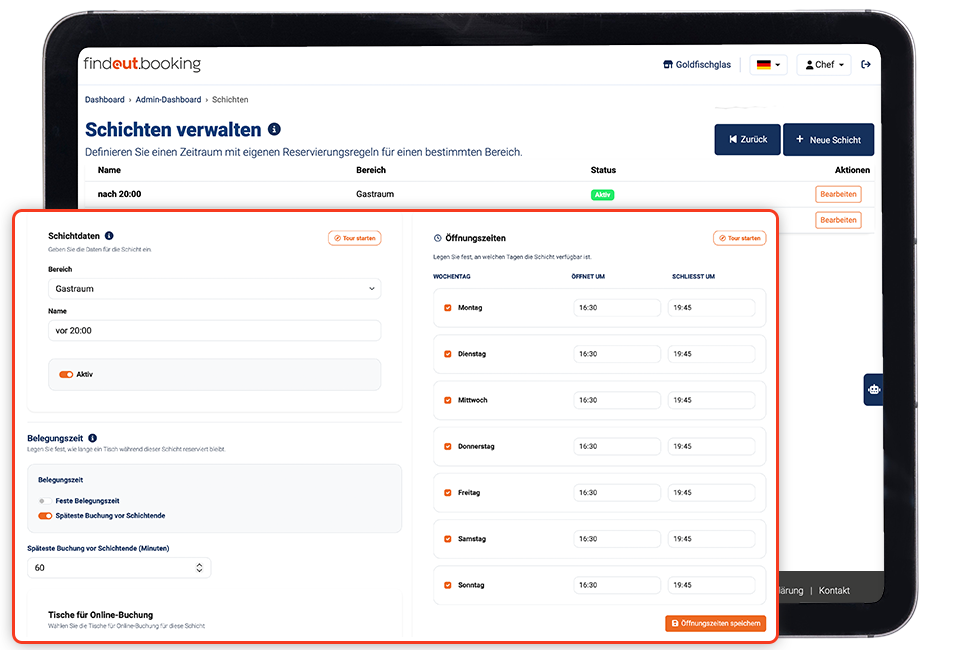
- We'll set up your account together. You'll receive an invoice afterwards.
Important information
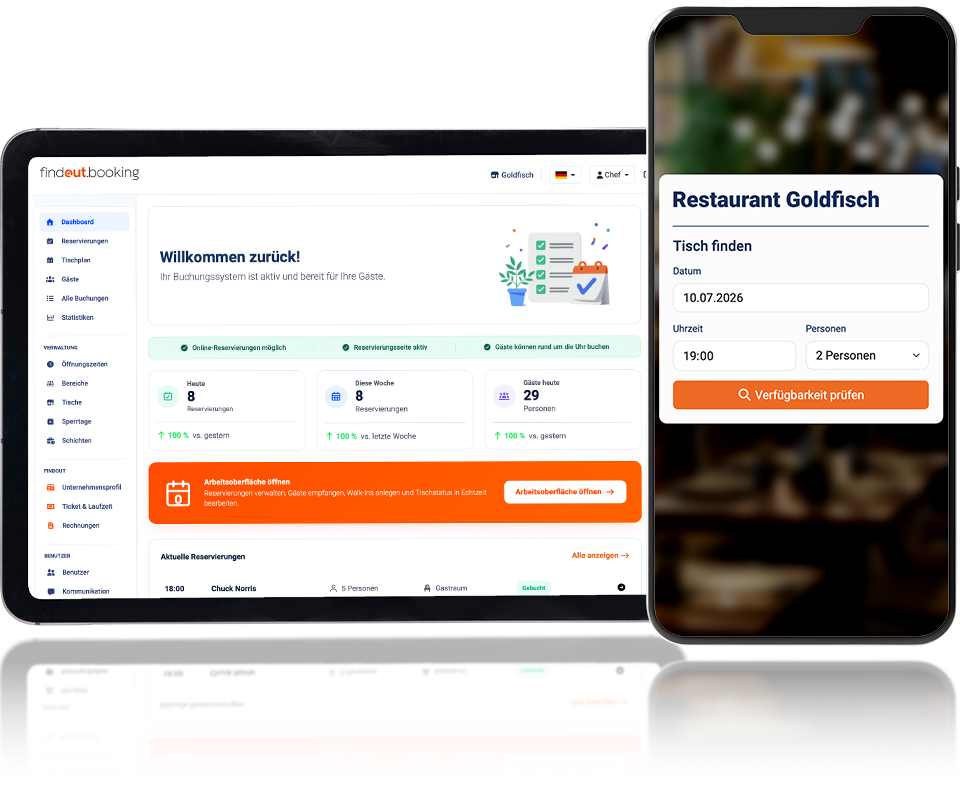
- Please sign in to findout.booking on a desktop computer, laptop or tablet for our phone appointment. A smartphone is not suitable for the setup.
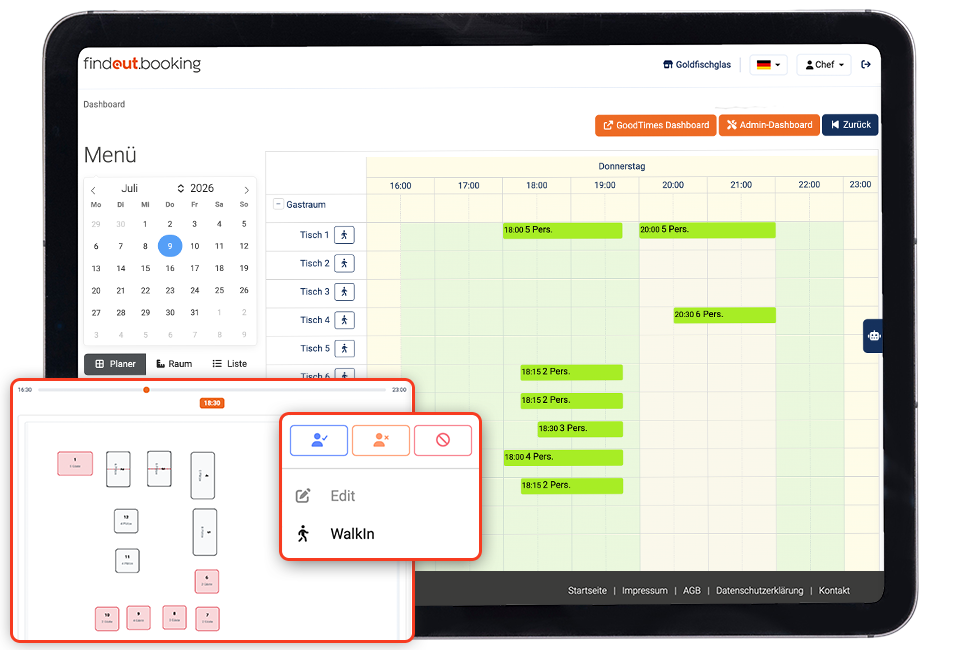
- Send us a floor plan beforehand. A simple sketch photographed or saved as a JPG or PNG is enough.
- Send us one photo of your restaurant for your profile.
- Send us your menu as a PDF.
If you prefer not to send the photo or menu beforehand, you can upload them yourself later.
€99
one-time fee · net plus applicable VAT
No account yet?
Register for free
and have your customer number ready.
Your customer number will be added to the prepared email. You'll still need to send the email yourself.
Available while appointments are open. Sending a request does not yet book an appointment.
No email app set up? Write to
service@findoutbooking.com